

Here’s how to do it:

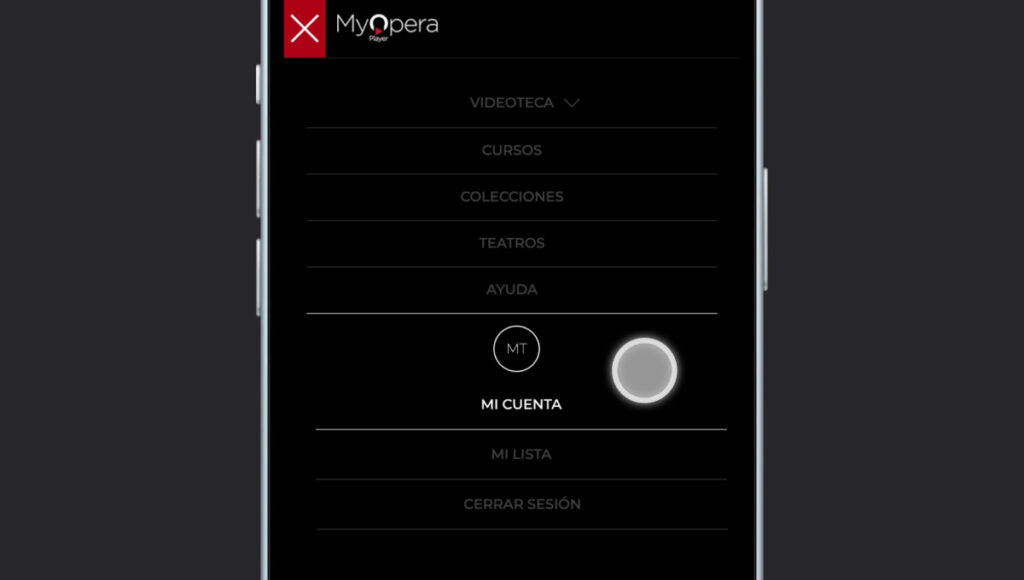
Once there, you’ll find:
- Your username (the email you registered with)
- The pin you need to link your Samsung TV to your account
- Your personal and payment details stored in the system
- The end date of your subscription
If you need to change your password or login email, you can do so there. Fill in the boxes of the data you want to modify and click on SAVE