

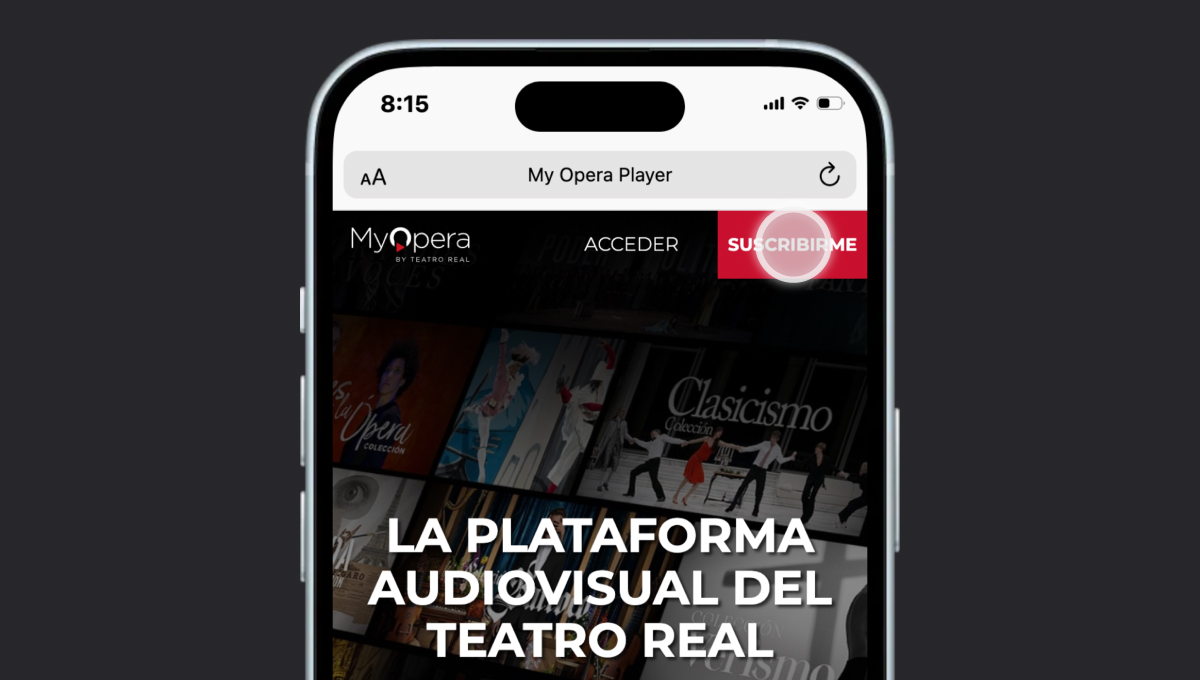
If you have any code, whether Smart TV, promotional or Gift Card, enter it in the corresponding box and press apply
Select the product you want:
- Subscriptions:
- 12-Month Subscription Access to the entire Video Library and live broadcasts with renewals every twelve months.
- Subscription 6 months: Access to the entire Video Library and live broadcasts with renewals every six months.
- 1-month Subscription Access to the entire Video Library and live broadcasts with monthly renewals.
- Other options:
- Rent a title 72 hours: If you want to see one of the titles in our video library, select it using the integrated search engine and you will have access to the title for 72 hours. Please note that some Video Library titles are exclusively for subscribers, it is not possible to rent them.
- Direct ticket: Select this option in case you want to have access to the next live broadcast that has been scheduled. Please note that some livestreams are exclusive to subscribers, so they cannot be purchased separately.
The system will ask you to either identify yourself if you already have an account, or create a new account by entering your personal details.
If you do not have any card stored, the system will guide you through the process of adding one, indicating the steps to follow.
Once the data is entered, the payment will be executed. Your bank may send you a notification or SMS to confirm that you want to make the payment. If in doubt, consult your bank for instructions on how to make online payments.
Once the process is finished, the page will indicate it on the screen. Remember that in the case of being a subscription, you can cancel the automatic renewal at any time from the My account
Check your email, we will send you a confirmation that the purchase has been made (check the spam in case it was there).
Enjoy My Opera Player!